CompareCorners vs GBrain
Corners vs GBrain
GBrain gives your AI a memory. Corners gives your team a place where people and their AI do the work, and remembers it as they go.
Free for up to 3 people, no card needed. For Mac and Windows, or use it in your browser.
- Claude Code
- Codex
- ChatGPT
- Claude
- Cursor
Memory is not the work
GBrain stores what was said as pages about people and companies. Corners holds the tasks, documents, tables, and threads your team works in.
Boundaries people can see
Each Corner has its own members and admins, and Protected Corners stay closed to AI working elsewhere.
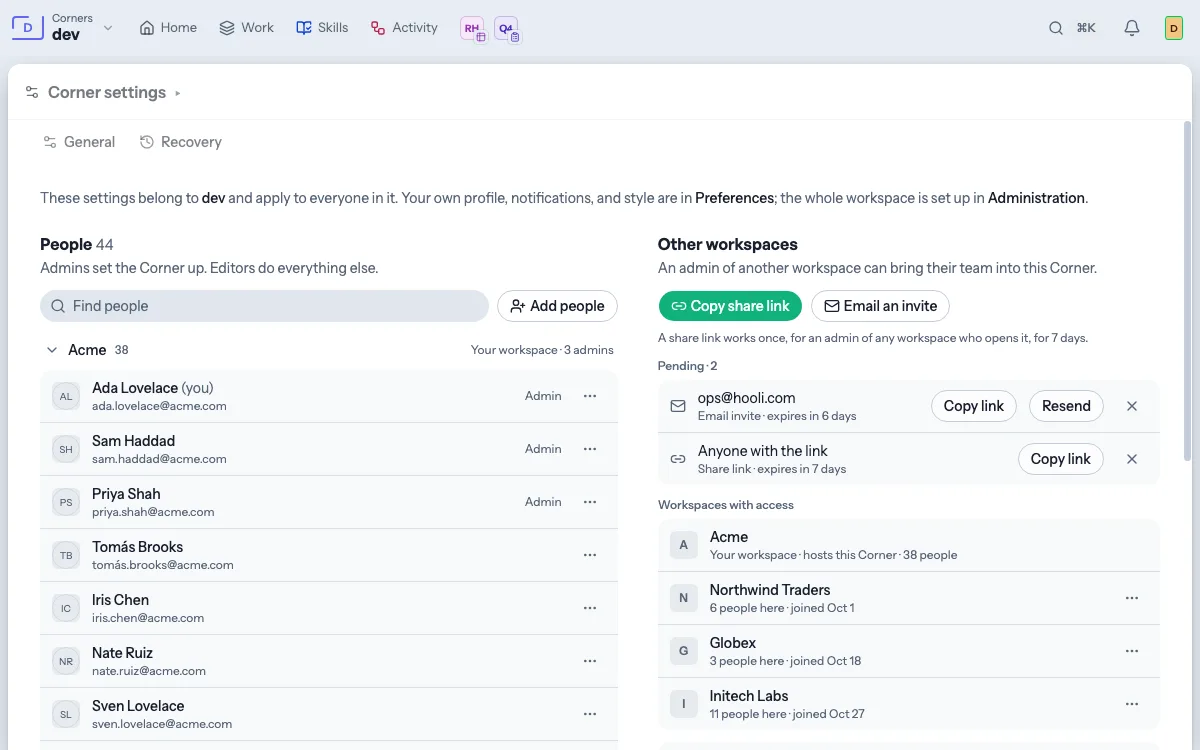
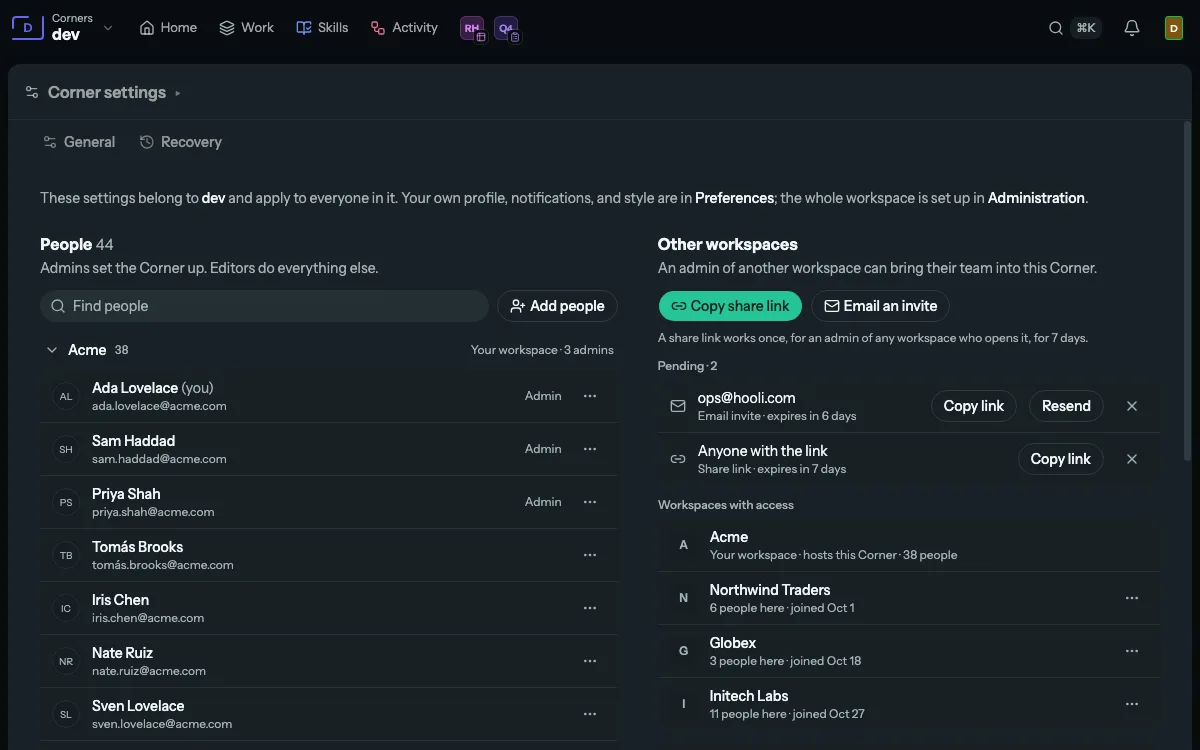
Every AI session on the record
Corners records each session with what it changed and links its work back to it.
Side by side
| Question | Corners | GBrain |
|---|---|---|
| Memory of people, companies, and meetings | Documents and tables you set up | Built in, with overnight upkeep |
| Cited answers that say what's missing | Ranked sources; your AI writes the answer | Answers with citations and gaps |
| Open source and self-hosting | Hosted only | MIT-licensed, self-host for free |
| AI tools it connects to | Claude Code, Codex, ChatGPT, Claude, Cursor, and more | About 15, including ChatGPT, Claude, and Cursor |
| Tasks, documents, tables, and Apps | Built in, filed into groups | Not a goal |
| Separate spaces with their own members | Corners with admins, editors, and Protected Corners | Sources and scopes inside one brain |
| A record of every AI session | Recorded, with what each session made | Conversation archive pages |
| Approvals for AI work | Decision queues built by admins | Permission levels per AI |
| Price for a small team | Free for up to 3 people; Business per seat | $199 a month flat, whole team |
Pick GBrain if you want a personal or company memory you can host yourself. Pick Corners if your team needs a shared place to work with its AI. You can bring a GBrain's pages into Corners with /corners-migrate.
Start with the AI you already use.
Free for up to 3 people, no card needed. For Mac and Windows, or use it in your browser.